Home Troubleshooting Guides by Problem
Browse symptom-based home troubleshooting guides for appliances, plumbing, HVAC, smart TVs, security cameras, and connected home devices. Start with what you can see, hear, or measure, narrow down the likely causes, and choose the safest next step without replacing parts at random.
Browse Home Troubleshooting Guides by Category
Choose the system or device that matches your problem. These home troubleshooting guides are organized by category and built around specific symptoms, practical diagnostic checks, and clear next steps.
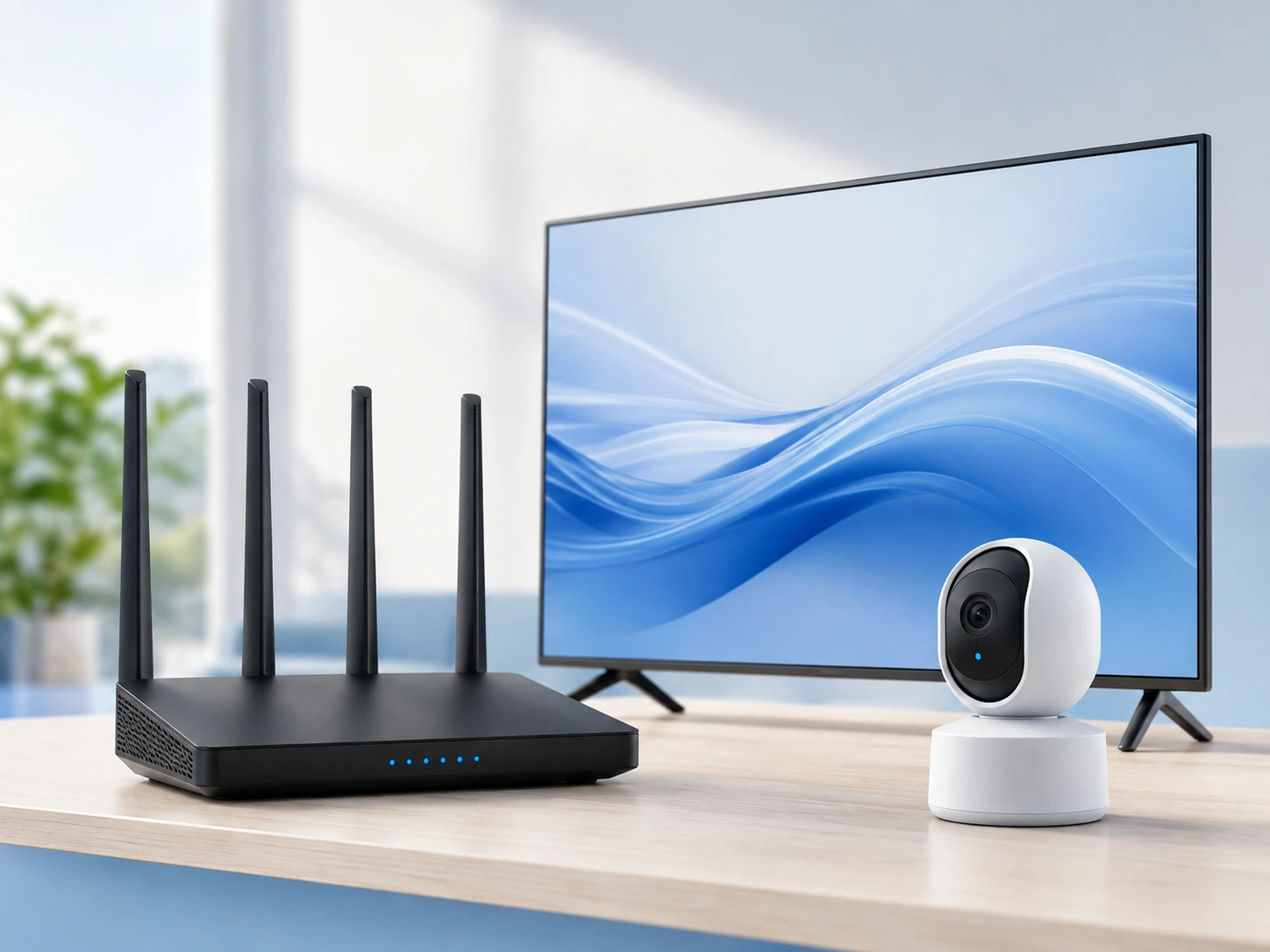
Home Tech & Wi-Fi
Diagnose smart TV, security camera, DVR, and connected home device problems using symptom-based checks that help narrow down whether the issue is power, signal, hardware, settings, or connectivity.
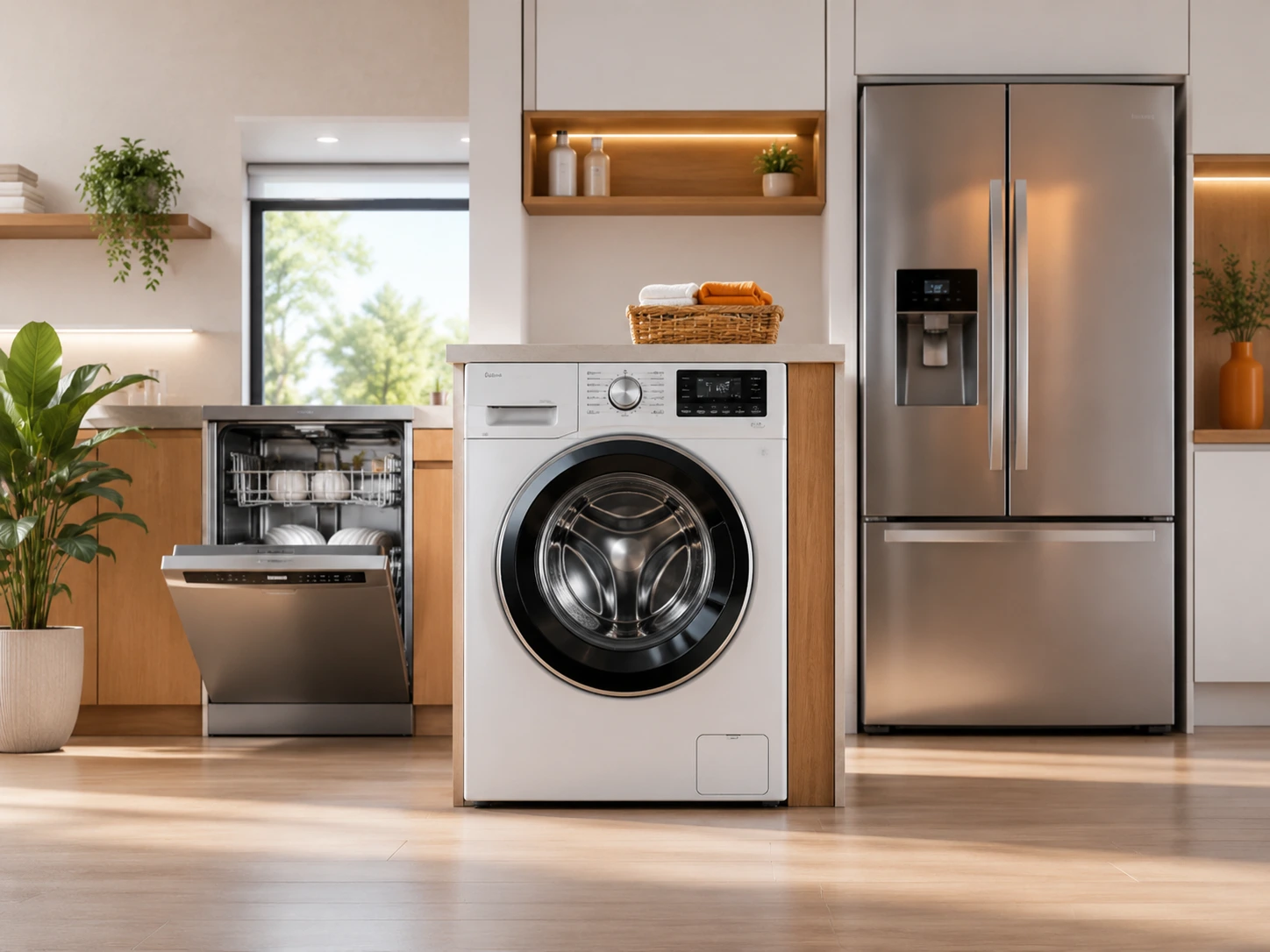
Appliance Problems
Troubleshoot refrigerators, dishwashers, washers, dryers, ovens, and other household appliances by starting with what the appliance is actually doing.
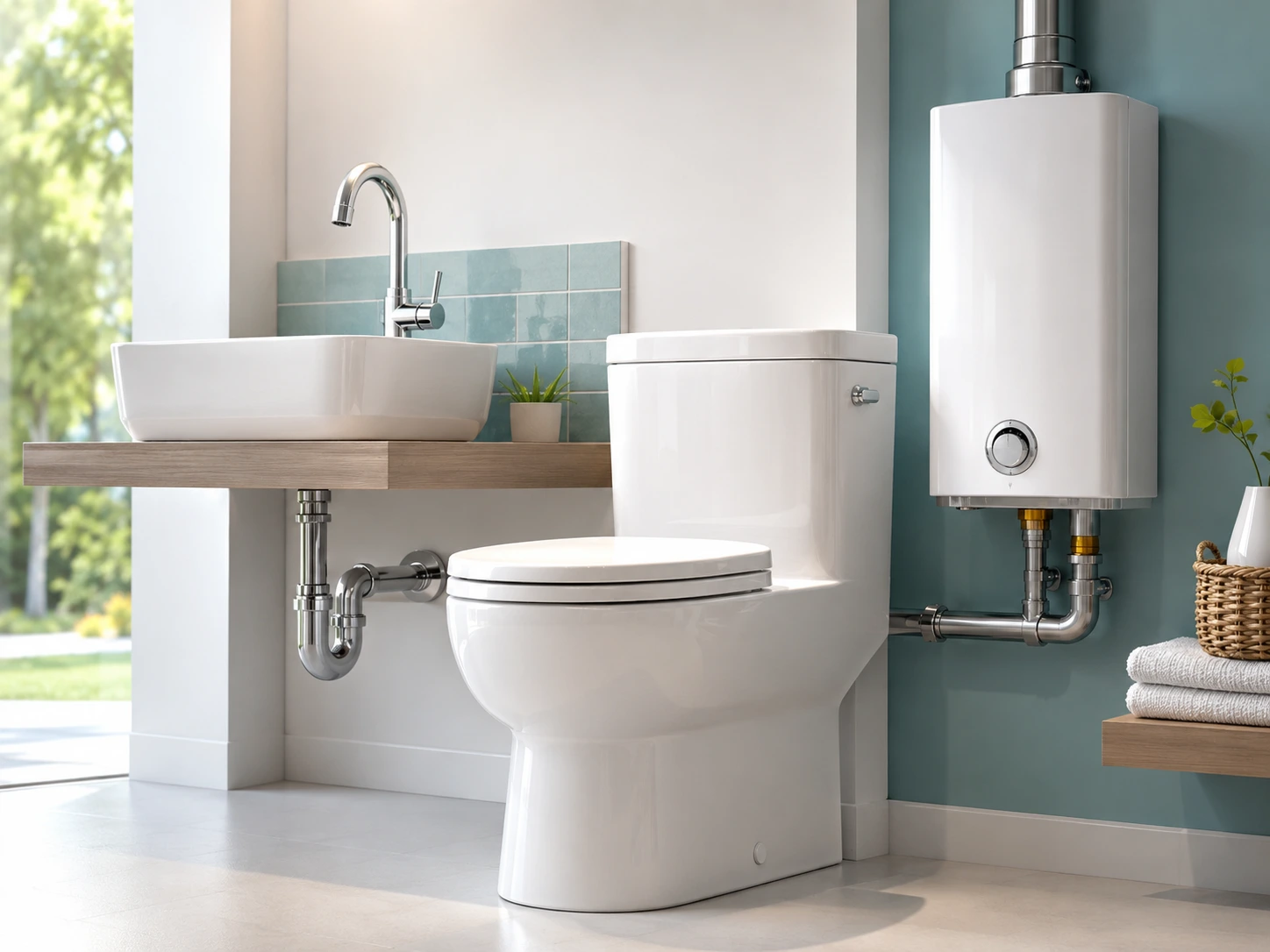
Plumbing Problems
Diagnose toilet, faucet, water heater, drain, pipe, and water pressure problems using simple observations before considering a repair.
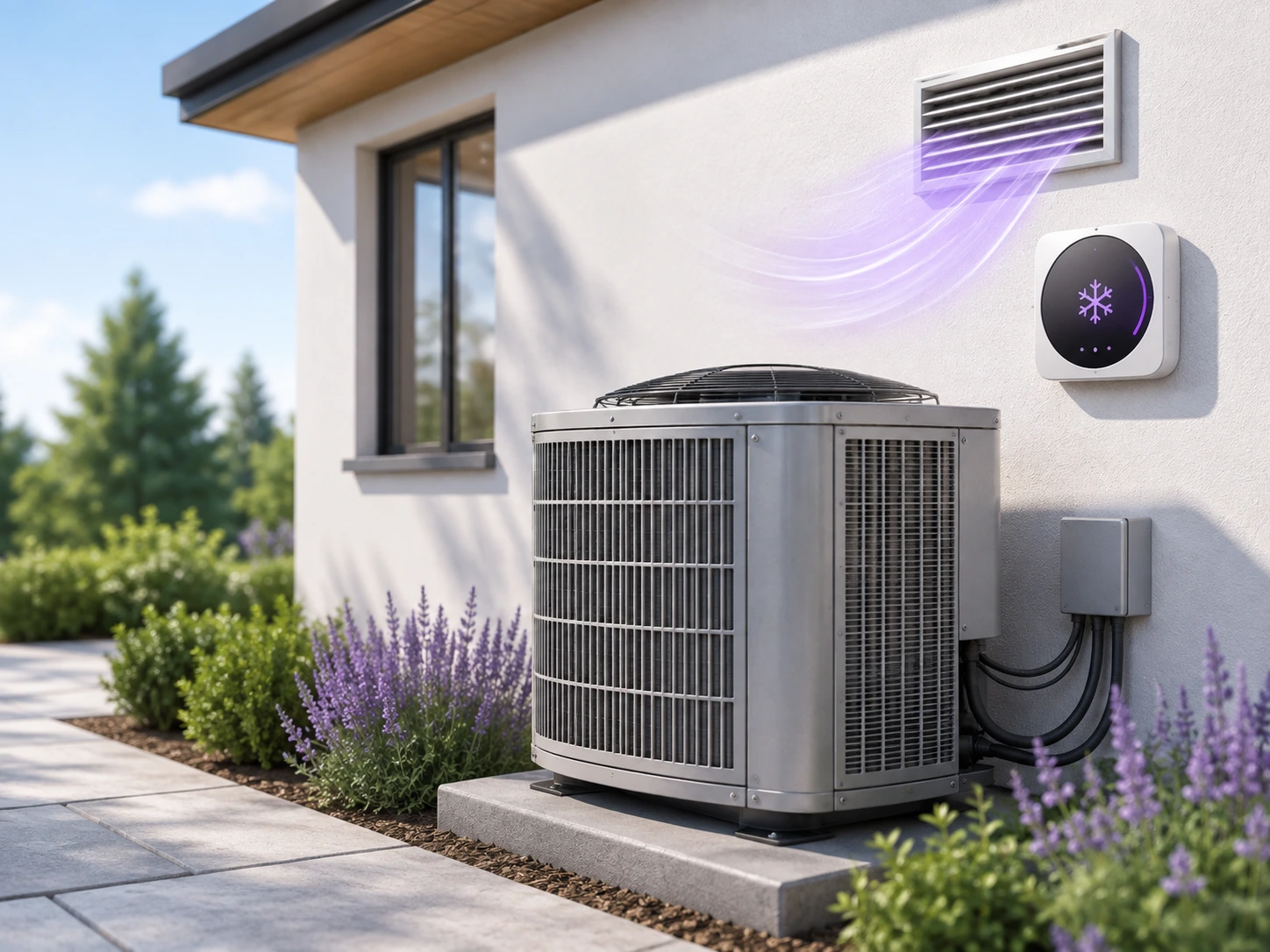
HVAC Troubleshooting
Find likely causes of air conditioner, furnace, thermostat, heat pump, and airflow problems while keeping safety limits in mind.
How to Use Our Home Troubleshooting Guides
You do not need to know which component has failed. A better starting point is the symptom you can observe.
Start With the Symptom
Identify what is not working, leaking, disconnecting, making unusual noise, losing power, or behaving differently from normal.
Check the Likely Causes
Work through simple checks in a sensible order so you can narrow the problem down without replacing parts unnecessarily.
Choose the Right Next Step
Try an appropriate homeowner-safe fix when possible or understand when the problem requires a qualified technician.
How Home Troubleshooting Guides Help You Troubleshoot Safely and Efficiently
Good home troubleshooting begins with evidence rather than a guess. A device that will not turn on, a router that keeps disconnecting, a washing machine that stops during a cycle, or an air conditioner that runs without cooling can each have several possible causes. Looking at the exact symptom helps reduce the number of possibilities before any repair is attempted.
HomeIssueLab organizes its home troubleshooting guides around real symptoms homeowners are likely to notice. The first checks are usually simple things such as power, settings, cables, network status, filters, water supply, breakers, or visible signs of a problem. These checks can sometimes identify a simple cause and, just as importantly, help rule out causes that do not match the symptoms.
Troubleshooting does not mean taking an appliance or home system apart immediately. In many cases, observing when the problem occurs is useful. For example, a Wi-Fi problem affecting one device may have a different cause from a connection problem affecting the entire home. A refrigerator that is running but not cooling also points to a different set of checks than a refrigerator that has no power at all.
The same approach applies to plumbing and HVAC problems. Low water pressure at one faucet is different from low pressure throughout the house. An air conditioner that does not start is also different from one that starts normally but does not produce cold air. Separating these symptoms makes troubleshooting more focused and reduces unnecessary work.
These home troubleshooting guides are intended to help you understand likely causes, perform reasonable diagnostic checks, and decide what to do next. Some fixes may involve resetting a device, correcting a setting, cleaning an accessible component, checking a connection, or replacing a simple user-serviceable item. Other problems should not be treated as do-it-yourself repairs.
When electricity, gas, refrigerant, high temperatures, pressurized water, or internal electrical components are involved, safety becomes more important than completing the repair yourself. In those situations, identifying the likely problem and knowing when to stop can be just as valuable as fixing a simple issue.
Learn more about how HomeIssueLab researches, reviews, and updates its troubleshooting content in our Editorial Policy, and read more about the experience behind the site on our About Us page.
Start Simple
Confirm power, settings, connections, supply conditions, and other basic factors before assuming a major component has failed.
Match the Exact Symptom
Small differences in a symptom can point to very different causes, so choose the guide that most closely matches what you are seeing.
Avoid Random Part Replacement
Diagnostic checks can help you gather evidence before spending money on parts that may not solve the original problem.
Know When to Stop
When a task involves significant electrical, gas, refrigerant, plumbing, or mechanical risk, professional service is the safer next step.
Safety Comes First in Home Troubleshooting Guides
Home problem troubleshooting guides are useful only when the diagnostic steps are appropriate for the person doing them. Some home systems contain hazards that are not obvious from the outside.
Problems involving mains electricity, gas, refrigerants, high temperatures, moving components, or pressurized water may require professional service. HomeIssueLab separates reasonable homeowner checks from procedures that should be handled by a qualified technician.
For additional information about electrical hazards around the home, see the U.S. Consumer Product Safety Commission Home Electrical Safety Checklist .
Latest Home Troubleshooting Guides
Recently published troubleshooting guides from across HomeIssueLab.
Water Heater Leaking From Bottom? Find the Source Before You Replace the Tank
Read troubleshooting guide →
Kitchen Sink Backs Up When Dishwasher Runs? Find the Blockage
Read troubleshooting guide →
Outside AC Unit Running but No Air Blowing Inside? Check the Indoor Side First
Read troubleshooting guide →
Security Camera Has Power but No Video? Use a Swap Test to Find the Fault
Read troubleshooting guide →
Dishwasher Fills With Water but Won’t Wash? Use the Sound After Filling to Find the Cause
Read troubleshooting guide →
DVR Making a Beeping or Clicking Noise? Use the Sound Pattern to Find the Cause
Read troubleshooting guide →